

Webflow vs WordPress: which suits you?
An honest comparison for Australian small businesses — cost, editing, speed, security, and who should pick which.
 Geoff BromilowAI systems developerUpdated 1 min read
Our verdict
Choose Webflow if you want a fast, secure marketing site your team can edit visually, with hosting included. Choose WordPress if you need lots of plugins, a large blog or WooCommerce, and you’re happy to manage updates. For most small business marketing sites, we recommend Webflow.
At a glance
- Best for most
- Webflow
- Most flexible
- WordPress
- Monthly cost
- Similar — $20–$60
- Switching
- Takes 3–6 weeks
Side by side
Choose Webflow if…
- You want a marketing site that’s quick to edit
- You’d rather not think about updates or security
- Design and speed matter most
Choose WordPress if…
- You need specific plugins or a big blog
- You want to host it yourself
- You’re running a large online store
Our take
Both are good tools. The right choice depends on who will edit the site, what it needs to connect to, and how much maintenance you want to take on.
What about a headless CMS like Sanity?
If your content appears in several places — a website, an app and a portal — a headless CMS like Sanity can be the better fit. It costs more to set up, but it scales well.
Not sure which is right for you?
Tell us how your team works and we’ll recommend one — honestly, even if it’s not the one we’d build.
Questions people ask
Yes. We move your pages, blog posts and redirects so you keep your search rankings.
Both can rank well. Speed, structure and genuinely useful content matter far more than the platform.
Sources
- 01Webflow pricing · webflow.com
- 02WordPress documentation · wordpress.org
Geoff builds the AI systems, automations and integrations behind our projects — and explains them without the jargon.
Keep exploring.
 CASE STUDY
Penny, an AI receptionist that qualifies buyers and books consultations on two websites, in five languages.
Read the case study →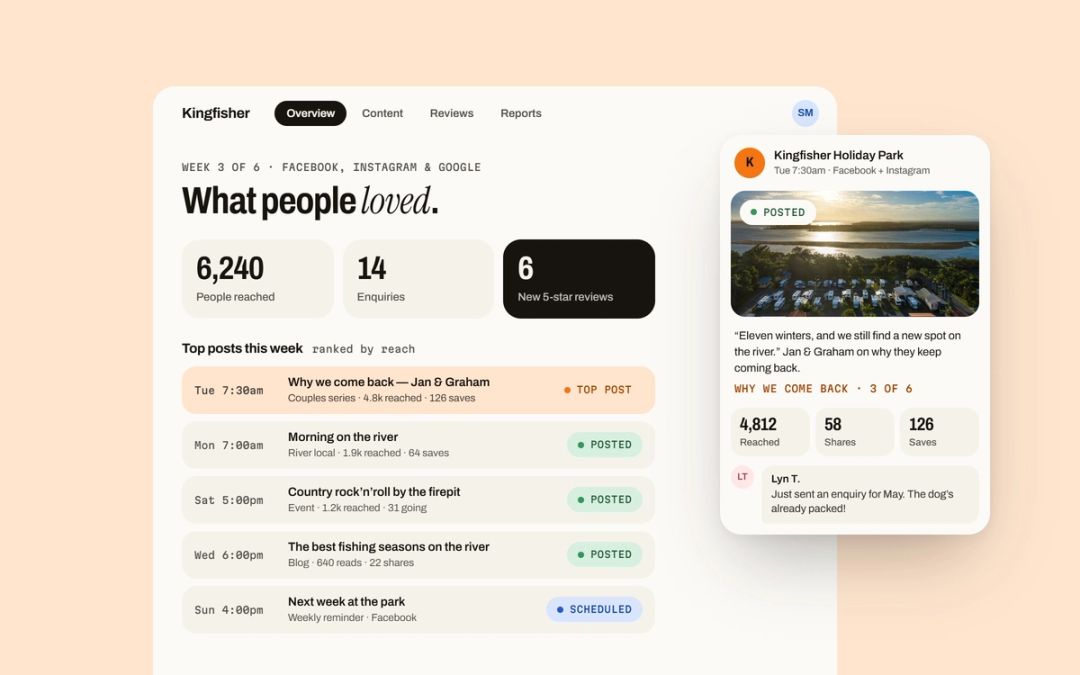 CASE STUDY
A six-week organic content plan, a refreshed Google profile and an automatic review request — with nothing spent on ads.
Read the case study →Ready to work smoother?
Tell us what’s slowing you down. We’ll come back within a day with a few ideas — no obligation.
Start a project hello@thinkswift.com.au